How to Use CSS Variables for Theme Switching in 2026: A Complete Guide
April 27, 2026
How Do I Design a Website That Tells My Brand Story?
April 27, 2026How Do I Design a Website That Converts Visitors Into Leads? A Complete Guide
Introduction
In the digital age, your website is often the first point of contact between your business and potential customers. But having a beautiful website isn’t enough—it must be designed to convert visitors into leads. If you’re asking, “How do I design a website that converts visitors into leads?” you’re not alone. This guide provides a step-by-step approach to transforming your site into a lead generation machine.
Understanding Lead Conversion
Before diving into design, it’s crucial to understand what lead conversion means. A lead is a visitor who has shown interest in your product or service by taking a specific action, such as filling out a form, subscribing to a newsletter, or requesting a demo. Designing a website that converts visitors into leads involves strategically guiding users toward these actions.
The Psychology of Conversion
Conversion-centered design leverages psychological principles like reciprocity, scarcity, and social proof. For example, offering a free ebook in exchange for an email address taps into reciprocity. Understanding your target audience’s pain points and desires is the foundation of effective lead generation.
Key Elements of a Lead-Generating Website
To answer “How do I design a website that converts visitors into leads?” you must focus on several critical elements.
Clear and Compelling Value Proposition
Your value proposition should be front and center. It answers the visitor’s question: “What’s in it for me?” Use a headline and subheadline to communicate your unique benefit. For example, “Get 50% More Leads in 30 Days—Guaranteed.”
Strategic Call-to-Action (CTA) Placement
CTAs are the gateways to conversion. They should be prominent, action-oriented, and placed throughout the page. Use contrasting colors, persuasive copy (e.g., “Get Your Free Guide”), and position them above the fold and after key content.
User-Friendly Navigation
Simplify navigation to reduce friction. A cluttered menu can distract visitors from the conversion goal. Use a clear hierarchy, limit menu items, and include a prominent CTA in the navigation bar.
Mobile Responsiveness
With over half of web traffic coming from mobile devices, a mobile-responsive design is non-negotiable. Ensure your site looks and functions perfectly on all screen sizes, with touch-friendly buttons and fast loading times.
Fast Loading Speed
Page speed directly impacts conversion rates. According to studies, a one-second delay can reduce conversions by 7%. Optimize images, leverage browser caching, and use a content delivery network (CDN) to keep your site fast.
Designing High-Converting Landing Pages
Landing pages are dedicated pages designed for a single conversion goal. Here’s how to design them effectively.
Focused Messaging
Remove distractions. A landing page should have one headline, one offer, and one CTA. Avoid navigation links that lead away from the page. Every element should support the primary conversion objective.
Compelling Visuals
Use images or videos that demonstrate the value of your offer. For instance, a screenshot of a software interface or a testimonial video can build trust and increase conversions.
Social Proof
Include testimonials, case studies, or logos of well-known clients. Social proof reassures visitors that others have benefited from your offering, reducing perceived risk.
Simple Forms
Keep forms short. Only ask for essential information—name and email address are often enough. Longer forms can deter conversions. You can progressively ask for more details later.
Optimizing for Lead Capture
Lead capture is the process of collecting visitor information. Here are proven techniques.
Exit-Intent Popups
When a visitor is about to leave, trigger a popup offering a last-minute incentive, like a discount or free resource. These can recover up to 10-15% of abandoning visitors.
Content Upgrades
Offer a bonus piece of content related to what the visitor is reading. For example, on a blog post about email marketing, offer a downloadable checklist. This highly relevant offer converts well.
Live Chat and Chatbots
Engage visitors in real-time. A chatbot can answer questions and qualify leads automatically. Use it to offer assistance and capture contact information when appropriate.
Building Trust with Your Audience
Trust is essential for conversion. Without it, visitors won’t share their information.
Professional Design and Branding
A polished, consistent design signals credibility. Use high-quality images, a cohesive color scheme, and professional typography. Avoid cluttered layouts and broken links.
Transparent Privacy Policy
Include a link to your privacy policy near forms. Assure visitors that their data will be protected and not shared. This reduces anxiety about submitting personal information.
Security Badges
If you collect sensitive information, display security badges (e.g., SSL certificate, McAfee) to reassure visitors that their data is safe.
Testing and Iterating for Better Results
Continuous improvement is key. Use A/B testing to compare different versions of your pages.
What to Test
- Headlines and copy
- CTA button color, size, and text
- Form length and layout
- Image placement and type
- Page layout and element order
Analyzing Data
Use tools like Google Analytics, heatmaps, and session recordings to understand user behavior. Identify where visitors drop off and optimize those areas.
Common Mistakes to Avoid
When designing a website that converts visitors into leads, steer clear of these pitfalls.
- Too Many CTAs: Overwhelming visitors with multiple options can lead to decision paralysis. Stick to one primary CTA per page.
- Weak Copy: Generic or overly technical language fails to resonate. Write in a clear, benefit-driven style.
- Ignoring Mobile Users: A non-mobile-friendly site will lose a significant portion of potential leads.
- Slow Load Times: Patience is short. Every second counts.
- Lack of Social Proof: Without testimonials or reviews, visitors may doubt your credibility.
Conclusion
Designing a website that converts visitors into leads is a strategic process that combines UX design, persuasive copy, and continuous optimization. By focusing on a clear value proposition, strategic CTAs, trust signals, and user-friendly design, you can turn your website into a powerful lead generation tool. Remember, the key is to always put the visitor’s needs first and test relentlessly. Start implementing these strategies today, and watch your conversion rates soar.
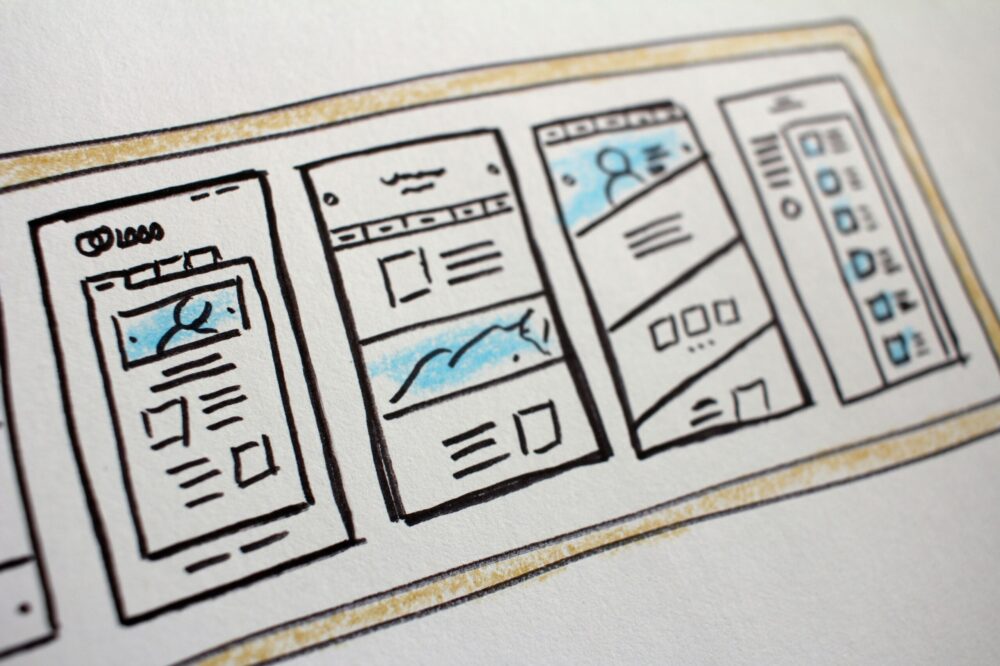
Photo by Hal Gatewood on Unsplash