How to Do SEO for a Melbourne Wedding Planner: A Complete Guide
April 28, 2026
What Are the SEO Trends for Sydney Healthcare in 2026?
April 28, 2026How to Design a Website That Integrates with CRM Software: A Complete Guide
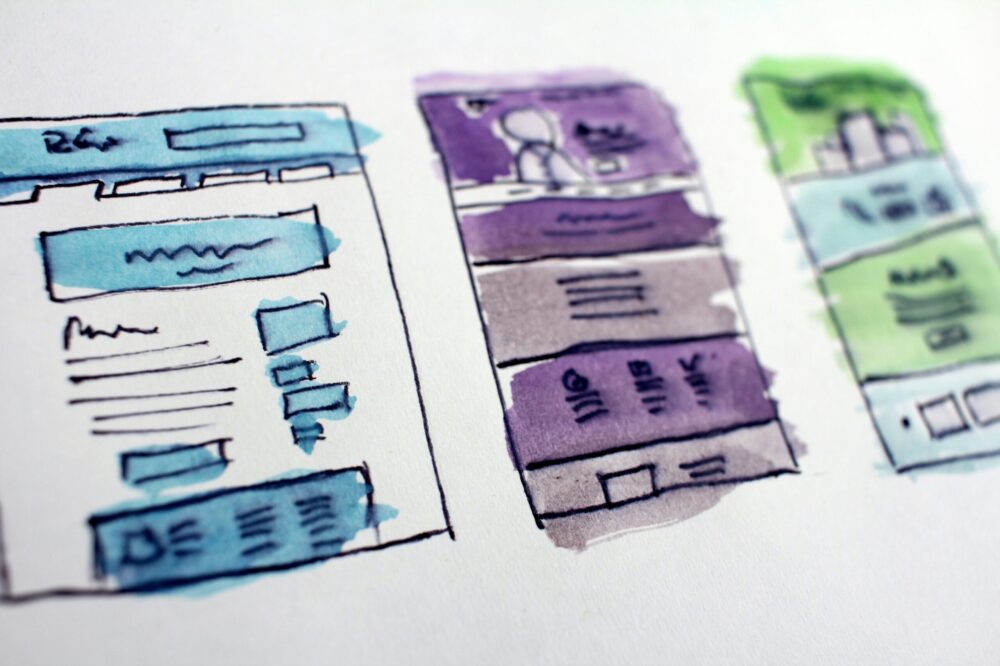
Designing a website that integrates with CRM software is essential for businesses that want to streamline lead capture, nurture customer relationships, and automate marketing and sales processes. A well-integrated website ensures that every visitor interaction—from form submissions to purchase history—flows directly into your CRM, enabling personalized follow-ups and data-driven decisions. In this comprehensive guide, we will walk you through the key steps to design a website that integrates with CRM software, covering everything from planning and technical implementation to user experience and testing.
Why Integrate Your Website with CRM Software?
Before diving into the design process, it’s important to understand the benefits of integration. When you design a website that integrates with CRM software, you:
- Automate lead capture: Form submissions, chat conversations, and newsletter sign-ups automatically create CRM contacts.
- Enhance personalization: Use CRM data to display tailored content, offers, and recommendations.
- Improve efficiency: Eliminate manual data entry and reduce errors.
- Enable better tracking: Monitor user behavior on your site and link it to CRM records.
- Boost ROI: Align marketing and sales efforts with real-time data.
Step 1: Define Your Integration Goals
Start by identifying what you want to achieve with the integration. Common objectives include:
- Syncing contact information from contact forms
- Tracking email opens and clicks
- Recording purchase history
- Triggering automated email sequences
- Providing customer support via live chat
Clearly defined goals will guide your design choices and technical setup.
Step 2: Choose the Right CRM and Platform
Your website platform and CRM must work well together. Popular CRMs like Salesforce, HubSpot, Zoho, and Pipedrive offer native integrations with major CMS platforms like WordPress, Shopify, and Squarespace. If you design a website that integrates with CRM software from scratch, consider using a CRM with a robust API and pre-built connectors.
Factors to Consider
- Compatibility: Does the CRM offer a plugin or module for your CMS?
- API capabilities: Can you customize data syncing?
- Scalability: Will the integration handle your expected traffic and data volume?
- Cost: Are there additional fees for advanced integration features?
Step 3: Plan Your Data Flow
Map out exactly what data will be collected from your website and how it will be sent to the CRM. Typical data points include:
- Name, email, phone number
- Company name and job title
- Page visits and time on site
- Form submissions and downloads
- Purchase details
Decide which fields in your CRM correspond to which website data. This mapping is critical for clean data.
Step 4: Design with Integration in Mind
When you design a website that integrates with CRM software, every element should facilitate data capture and user experience. Here are key design considerations:
Forms and Calls-to-Action (CTAs)
- Place forms strategically on high-traffic pages (homepage, blog, pricing).
- Keep forms short initially; use progressive profiling to collect more data over time.
- Use clear, action-oriented CTA buttons (e.g., “Get Your Free Quote”).
- Ensure forms are mobile-friendly and load quickly.
Tracking and Analytics
- Install tracking scripts (e.g., Google Analytics, Facebook Pixel) that can be linked to CRM events.
- Use UTM parameters to track campaign sources.
- Set up conversion tracking for key actions.
Personalization Features
- Display dynamic content based on CRM data (e.g., returning visitor greetings).
- Recommend products or articles based on past interactions.
- Use CRM segments to show targeted offers.
Step 5: Implement the Integration
Now it’s time to connect your website to your CRM. The implementation method depends on your technical resources.
Using Native Integrations and Plugins
Most CRMs offer plugins for popular CMS platforms. For example, HubSpot has a WordPress plugin that automatically syncs form submissions. These are the easiest to set up and maintain.
Custom API Integration
If you need more control, you can use the CRM’s API to send data from your website. This requires development skills. Common approaches include:
- Server-side scripts that process form data and call the CRM API.
- Client-side JavaScript that sends data asynchronously.
- Webhooks to trigger actions in the CRM.
Using Integration Platforms (iPaaS)
Tools like Zapier, Make (formerly Integromat), and Tray.io allow you to connect your website to your CRM without coding. You can set up triggers (e.g., new form submission) and actions (e.g., create CRM contact).
Step 6: Test Thoroughly
Before going live, test every aspect of the integration:
- Submit test forms and verify data appears correctly in the CRM.
- Check that duplicate contacts are handled properly (update vs. create new).
- Test tracking scripts to ensure events are recorded.
- Verify personalization features work as expected.
- Test on different devices and browsers.
Step 7: Monitor and Optimize
After launch, continuously monitor the integration for errors and performance issues. Use CRM reports and website analytics to identify bottlenecks. For example, if form abandonment is high, consider simplifying forms or adding trust signals.
Best Practices for a Seamless Integration
- Keep data clean: Use validation rules on forms to ensure accurate data entry.
- Respect privacy: Comply with GDPR, CCPA, and other regulations by obtaining consent and providing opt-out options.
- Document your setup: Maintain records of data mapping and integration logic for future reference.
- Plan for growth: Choose scalable solutions that can handle increased traffic and data volume.
- Involve stakeholders: Work with sales, marketing, and IT teams to align integration goals.
Common Challenges and How to Overcome Them
Data Synchronization Delays
Real-time sync is ideal but may not always be possible. Use asynchronous methods and set up error logging to catch failures.
Duplicate Records
Implement deduplication rules in your CRM or use unique identifiers (like email) to prevent duplicates.
Integration Complexity
If the integration is too complex, consider using an iPaaS tool or hiring a developer experienced with your CRM and CMS.
Conclusion
Learning how to design a website that integrates with CRM software is a valuable skill that can transform your business operations. By following the steps outlined in this guide—defining goals, choosing the right tools, planning data flow, and implementing with care—you can create a website that not only looks great but also works seamlessly with your CRM. The result is a more efficient, data-driven organization that delivers better customer experiences and drives growth. Start planning your integration today and unlock the full potential of your website and CRM together.
Photo by Hal Gatewood on Unsplash