What Is the Impact of Server-Side Rendering on Web Design 2026?
April 27, 2026
What Is the Role of Microcopy in Web Design 2026?
April 27, 2026What Are the Best Practices for Breadcrumb Design in 2026?
Introduction
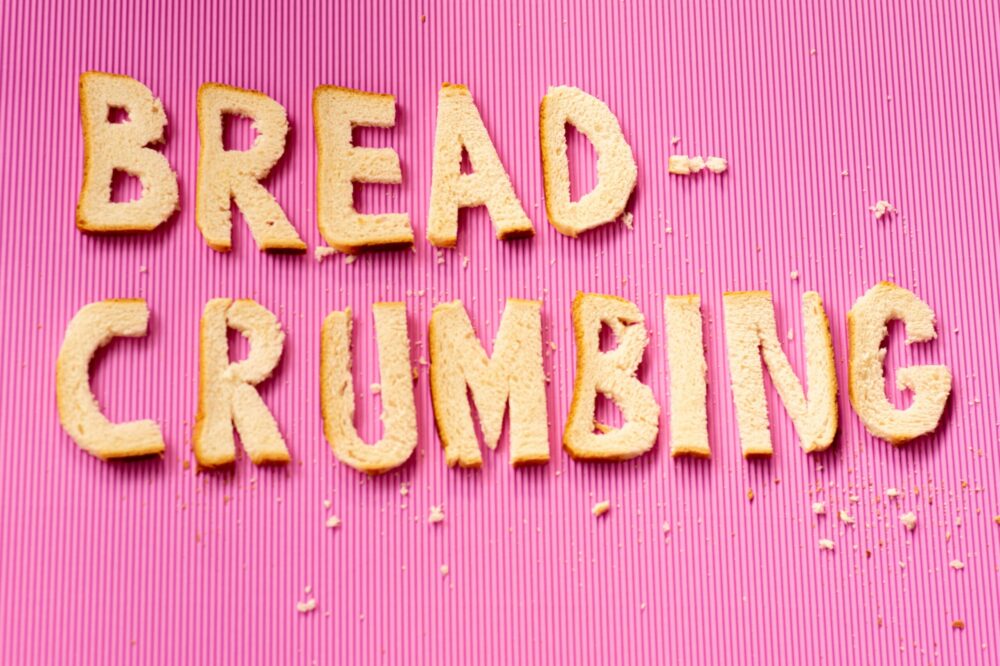
Breadcrumbs have long been a staple of web navigation, helping users understand their location within a site’s hierarchy. As we move into 2026, the role of breadcrumbs continues to evolve alongside user expectations and search engine algorithms. This article explores the best practices for breadcrumb design in 2026, focusing on user experience, SEO, and technical implementation. Whether you’re redesigning a site or building a new one, these insights will help you create effective breadcrumbs that benefit both users and search engines.
Why Breadcrumbs Matter in 2026
Breadcrumbs serve multiple purposes: they provide a secondary navigation path, reduce the number of actions needed to return to higher-level pages, and improve the site’s information architecture. In 2026, with the rise of voice search and AI-driven interfaces, breadcrumbs also help machines understand content relationships. Search engines like Google use breadcrumb markup to display rich snippets in search results, increasing click-through rates. Moreover, breadcrumbs enhance accessibility by offering a clear trail for screen readers. As websites become more complex, well-designed breadcrumbs are more important than ever.
Best Practices for Breadcrumb Design in 2026
1. Use Clear and Concise Labels
Breadcrumb labels should be short, descriptive, and consistent with page titles and navigation links. Avoid jargon or overly long names. For example, use “Laptops” instead of “All Laptops and Notebooks.” In 2026, users expect instant clarity; every word counts.
2. Implement Structured Data
Adding structured data (Schema.org BreadcrumbList) is non-negotiable for SEO in 2026. It enables Google to display breadcrumbs in search results, which can improve visibility and click-through rates. Ensure each breadcrumb item has a name and URL. Test your markup with Google’s Rich Results Test tool.
3. Choose the Right Breadcrumb Type
There are three main types: location-based (showing hierarchy), path-based (showing user’s journey), and attribute-based (for filtered pages). For most sites, location-based breadcrumbs are best because they reflect the site structure. In 2026, avoid path-based breadcrumbs unless necessary, as they can confuse users who arrive via different routes.
4. Optimize for Mobile
With over 60% of web traffic coming from mobile devices, breadcrumbs must be mobile-friendly. Use a horizontal layout with a small font size (e.g., 12-14px). Consider using a “compact” mode on very small screens, truncating long breadcrumbs with a “…” or collapsing them into a hamburger menu. Ensure touch targets are at least 44×44 pixels for accessibility.
5. Place Breadcrumbs Consistently
Breadcrumbs should appear in the same location on every page, typically below the header and above the main content. In 2026, users expect consistency across devices. Avoid placing breadcrumbs too low or hidden behind scrollable areas.
6. Use Visual Hierarchy
Design breadcrumbs with a clear visual hierarchy. The current page should be bold or highlighted (but not linked), while parent pages are clickable. Use a simple separator like “>” or “/” – avoid over-designed arrows or icons that may confuse. Keep the color subtle, such as a light gray, to avoid competing with primary navigation.
7. Ensure Accessibility
Breadcrumbs must be accessible to all users. Use semantic HTML (