How to Design for Accessibility in 2026: A Complete Guide
April 29, 2026The Critical Importance of User Experience for SEO in Sydney
April 29, 2026What Are the Trends in Interactive Web Design? A Comprehensive Guide for 2025
What Are the Trends in Interactive Web Design?
Interactive web design is no longer a luxury—it’s a necessity. As user expectations rise, websites must do more than just display information; they must engage, respond, and adapt. In this comprehensive guide, we answer the question: What are the trends in interactive web design? From subtle micro-interactions to immersive virtual reality, we explore the key innovations shaping the digital landscape in 2025. Whether you’re a designer, developer, or business owner, understanding these trends will help you create websites that captivate and convert.
1. Micro-Interactions: The Power of Small Details
Micro-interactions are small, purposeful animations or feedback loops that occur when a user performs an action. They might seem insignificant, but they greatly enhance the user experience by providing instant, intuitive feedback.
Examples of Micro-Interactions
- Button Hover Effects: A subtle color change or shadow when hovering over a call-to-action button.
- Form Validation: Real-time indicators showing whether a field is filled correctly.
- Loading Animations: Creative spinners or progress bars that make waiting feel shorter.
- Like/Share Animations: A satisfying bounce or pulse when a user likes a post.
These small touches make interactions feel human and responsive. In 2025, expect micro-interactions to become even more sophisticated, with haptic feedback integration on touch devices and adaptive animations that respond to user behavior.
2. AI-Powered Personalization and Chatbots
Artificial intelligence is revolutionizing interactive web design by enabling real-time personalization. Websites can now adapt content, layout, and recommendations based on individual user preferences, browsing history, and even emotional state.
Key Applications
- AI Chatbots: Modern chatbots go beyond scripted responses. They use natural language processing (NLP) to understand context, answer complex questions, and even simulate empathy.
- Dynamic Content: Homepages that rearrange modules based on what a user has previously clicked or purchased.
- Predictive Search: Search bars that anticipate queries and offer personalized suggestions.
This trend answers the question “What are the trends in interactive web design?” by highlighting how AI creates a two-way conversation between user and website, making each visit unique.
3. Immersive 3D and WebGL Experiences
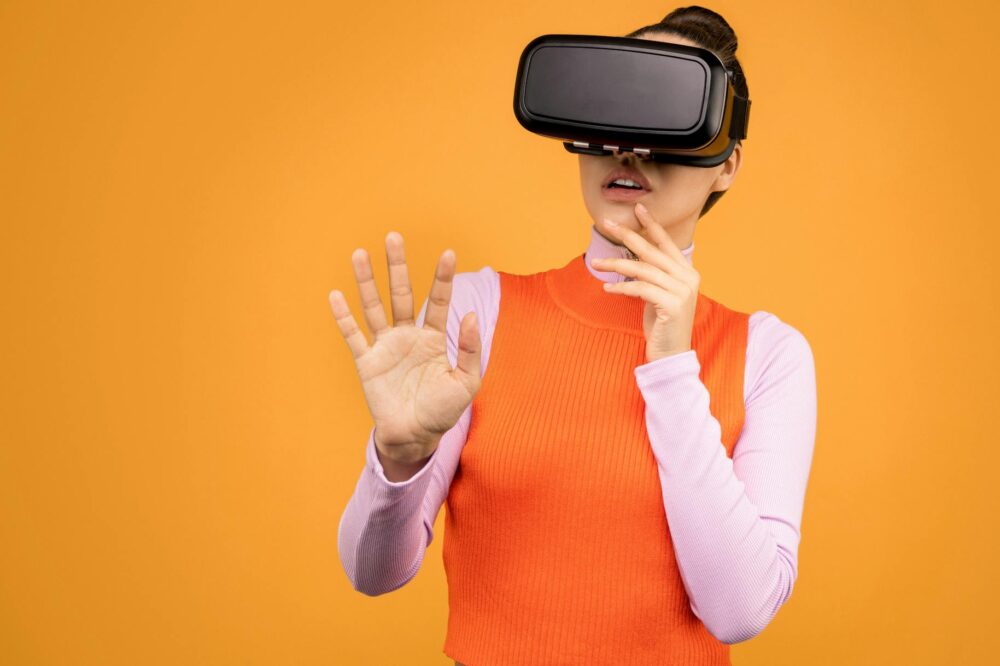
Advancements in WebGL and CSS 3D transforms allow designers to create rich, interactive 3D environments directly in the browser—no plugins required. These immersive experiences captivate users and differentiate brands.
How 3D Is Used
- Product Configurators: Users can rotate, zoom, and customize products in real time.
- Interactive Storytelling: Scrolling through a site triggers 3D scenes that evolve with the narrative.
- Virtual Showrooms: Real estate or retail sites offer 3D tours of properties or stores.
As browser performance improves, expect 3D elements to become more lightweight and accessible, even on mobile devices. This trend is particularly effective for e-commerce and creative portfolios.
4. Voice User Interface (VUI) and Conversational Design
With the rise of smart speakers and voice assistants, voice user interfaces are becoming an integral part of interactive web design. VUI allows users to navigate, search, and input data using voice commands.
Implementing Voice Interactions
- Voice Search: Users can speak their query instead of typing.
- Voice Commands: “Next page,” “Scroll down,” or “Add to cart” become actionable.
- Accessibility: VUI greatly benefits users with motor disabilities or visual impairments.
Designing for voice requires a shift in content structure—conversational, concise, and context-aware. As voice recognition accuracy improves, more websites will adopt VUI to offer hands-free interactivity.
5. Scroll-Triggered Animations and Parallax Effects
Scroll-triggered animations bring content to life as the user moves down the page. Parallax scrolling, where background elements move slower than foreground ones, creates a sense of depth and immersion.
Best Practices
- Performance: Use lightweight libraries like ScrollTrigger (GSAP) or Intersection Observer for smooth animations.
- Purposeful Animation: Animate to guide attention, not distract. For example, fade in a testimonial as it enters the viewport.
- Mobile Optimization: Ensure animations degrade gracefully on slower devices.
When done well, scroll-triggered effects make browsing feel like a journey, keeping users engaged longer.
6. Gamification Elements
Gamification applies game design principles to non-game contexts to motivate user action. In web design, this translates to rewards, challenges, progress bars, and leaderboards.
Common Gamification Techniques
- Progress Tracking: Visual indicators of how far a user is in a signup process or course.
- Badges and Achievements: Unlocking a badge after completing a task (e.g., “First Purchase”).
- Quizzes and Challenges: Interactive tests that provide personalized results.
Gamification boosts user retention and conversion rates by tapping into our natural desire for accomplishment. It’s especially popular in e-learning, fitness, and loyalty programs.
7. Augmented Reality (AR) Integration
Augmented reality overlays digital content onto the real world through a device’s camera. In web design, AR is used via WebXR, allowing users to try products before buying without downloading an app.
Use Cases
- Virtual Try-On: Glasses, makeup, or clothing can be seen on the user’s own face or body.
- Home Decor: Place furniture in a room to see how it fits and looks.
- Interactive Manuals: Point a phone at a product to see instructions overlaid.
AR reduces purchase hesitation and returns, making it a powerful tool for e-commerce. As smartphones become more capable, AR will become a standard interactive feature.
8. Dark Mode and User-Controlled Themes
Giving users control over their visual experience is a key trend in interactive web design. Dark mode reduces eye strain and saves battery, but the bigger trend is offering multiple theme options that users can switch between.
Implementation Tips
- Persistent Choice: Store the user’s preference in local storage or cookies.
- Smooth Transitions: Animate the switch between themes for a polished feel.
- Accessibility: Ensure high contrast in both modes.
User-controlled themes empower visitors and show that you respect their comfort. This trend aligns with the broader movement toward personalization.
9. Real-Time Collaboration and Social Features
Websites are becoming social hubs where users can interact in real time. Live chats, co-browsing, and collaborative editing are gaining traction, especially in SaaS and community platforms.
Examples
- Co-Browsing: Support agents can guide users by seeing and interacting with their screen.
- Live Polls and Q&A: During webinars or product launches, audiences can vote or ask questions live.
- Shared Whiteboards: Tools like Miro or Figma allow multiple users to edit simultaneously.
Real-time features create a sense of community and immediacy, making websites feel more like living spaces than static brochures.
10. Motion Design and Cinematic Microsites
Motion design involves the use of video, animated typography, and dynamic transitions to tell a brand story. Cinematic microsites are single-page experiences that feel like short films, often used for product launches or campaigns.
Key Elements
- Animated Typography: Text that moves, morphs, or responds to scroll.
- Full-Screen Video Backgrounds: Engaging loops that set the mood.
- Seamless Transitions: Page changes that flow like scene cuts.
While visually stunning, cinematic sites must balance aesthetics with performance. Optimize video files and use lazy loading to prevent slow load times.
11. Gesture-Based Navigation
With touchscreens dominating, gesture-based navigation is becoming more sophisticated. Swipes, pinches, and multi-touch gestures allow users to interact without buttons.
Design Considerations
- Discoverability: Provide hints or onboarding to teach gestures.
- Feedback: Visual or haptic feedback when a gesture is recognized.
- Fallbacks: Always provide a tap alternative for accessibility.
Gesture controls are especially relevant for mobile-first designs and progressive web apps (PWAs).
12. Accessibility-First Interactivity
Interactive design must be inclusive. Trends like keyboard-only navigation, screen reader compatibility, and reduced motion preferences ensure that all users can engage.
Accessible Interactive Features
- Skip Links: Allow keyboard users to jump to main content.
- ARIA Labels: Describe interactive elements for screen readers.
- Reduced Motion Media Queries: Disable non-essential animations for users who prefer less motion.
Accessibility is not just ethical—it also improves SEO and expands your audience. In 2025, expect stricter regulations and higher user expectations.
Conclusion: The Future of Interactive Web Design
So, what are the trends in interactive web design? They encompass a wide range of technologies and philosophies, all centered on creating engaging, responsive, and personalized user experiences. From micro-interactions that delight to AI that anticipates needs, and from immersive 3D to accessible gestures, the goal remains the same: make the user feel seen, understood, and valued.
As you plan your next website redesign, consider which of these trends align with your brand and audience. Start small—perhaps with micro-interactions or a dark mode toggle—and expand from there. The most successful interactive designs are those that serve a clear purpose and enhance usability, not just impress with novelty.
Remember, interactive web design is an ongoing evolution. Stay curious, test often, and always prioritize the user. By embracing these trends, you’ll create websites that not only look stunning but also build lasting connections with your visitors.